erlab.interactive.kspace
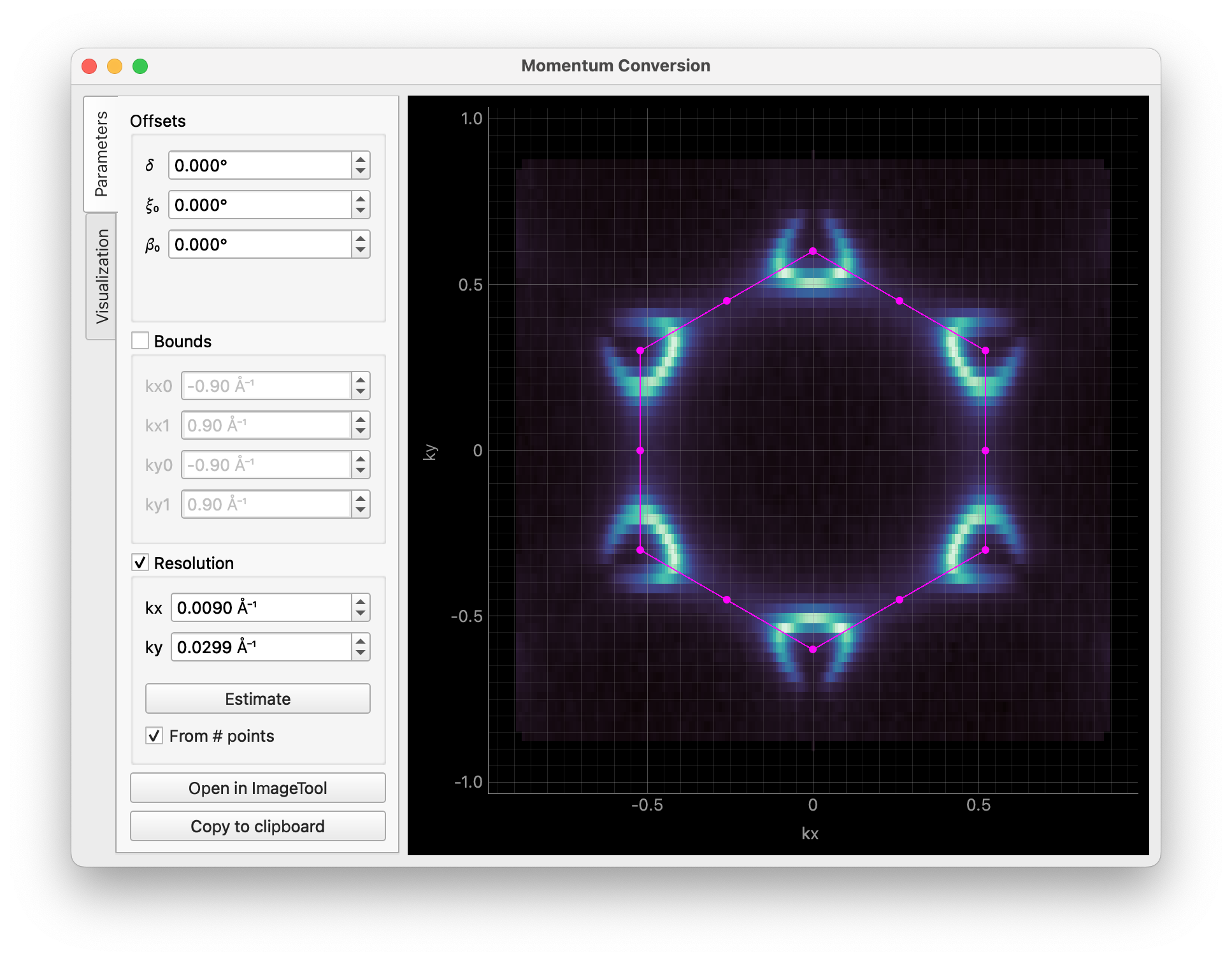
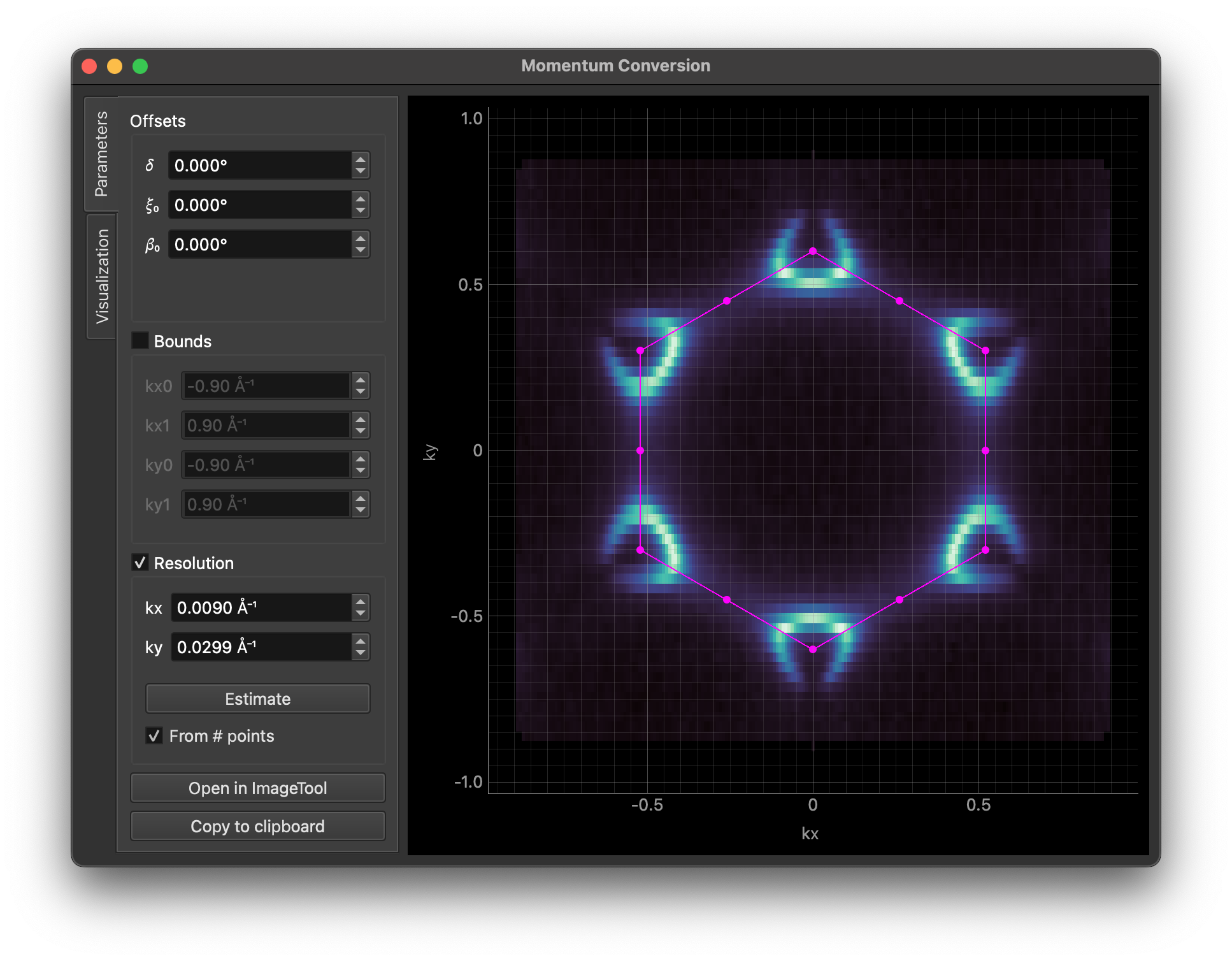
Interactive momentum conversion tool.
Functions
|
Interactive momentum conversion tool. |
- erlab.interactive.kspace.ktool(data, avec=None, rotate_bz=None, centering=None, *, cmap=None, gamma=None, data_name=None, initial_normal_emission=None, initial_delta=None, options_model=None, execute=None, _initial_delta_from_guideline=False)[source]
Interactive momentum conversion tool.
This tool can also be accessed with
DataArray.kspace.interactive(), or from theViewmenu of an ImageTool window.- Parameters:
data (
DataArray) – Data to convert. Currently supports constant energy slices (2D data with alpha and beta dimensions), 2D angle-energy cuts with alpha and eV dimensions and a fixed or assigned beta coordinate, and all 3D data that has eV and alpha dimensions, including maps and photon energy dependent data.avec (
array-like, optional) – Real-space lattice vectors as a 2x2 or 3x3 numpy array. If provided, the Brillouin zone boundary overlay will be calculated based on these vectors. If given as a 2x2 array, the third row and column will be assumed to be all 0. You can use utilities fromerlab.latticeto construct these vectors.rotate_bz (
float|None, default:None) – Rotation angle for the Brillouin zone boundary overlay.centering (
Literal['P','A','B','C','F','I','R'] |None, default:None) – Optional centering type to convert the conventional unit cell into a primitive one. Must be one of"P"(primitive),"A","B","C","I"(body-centered),"F"(face-centered), and"R"(rhombohedral).cmap (
str, optional) – Name of the colormap to use.gamma (
float|None, default:None) – Initial gamma value for the colormap.data_name (
str|None, default:None) – Name of the data variable in the generated code. If not provided, the name is automatically determined.initial_normal_emission (
tuple[float,float] |None, default:None) – Optional pair of(alpha, beta)values used once during initialization to seed the normal emission controls and derived angle offsets.initial_delta (
float|None, default:None) – Optional delta value to apply alongsideinitial_normal_emission.