erlab.interactive.imagetool.manager
Manager for multiple ImageTool windows.
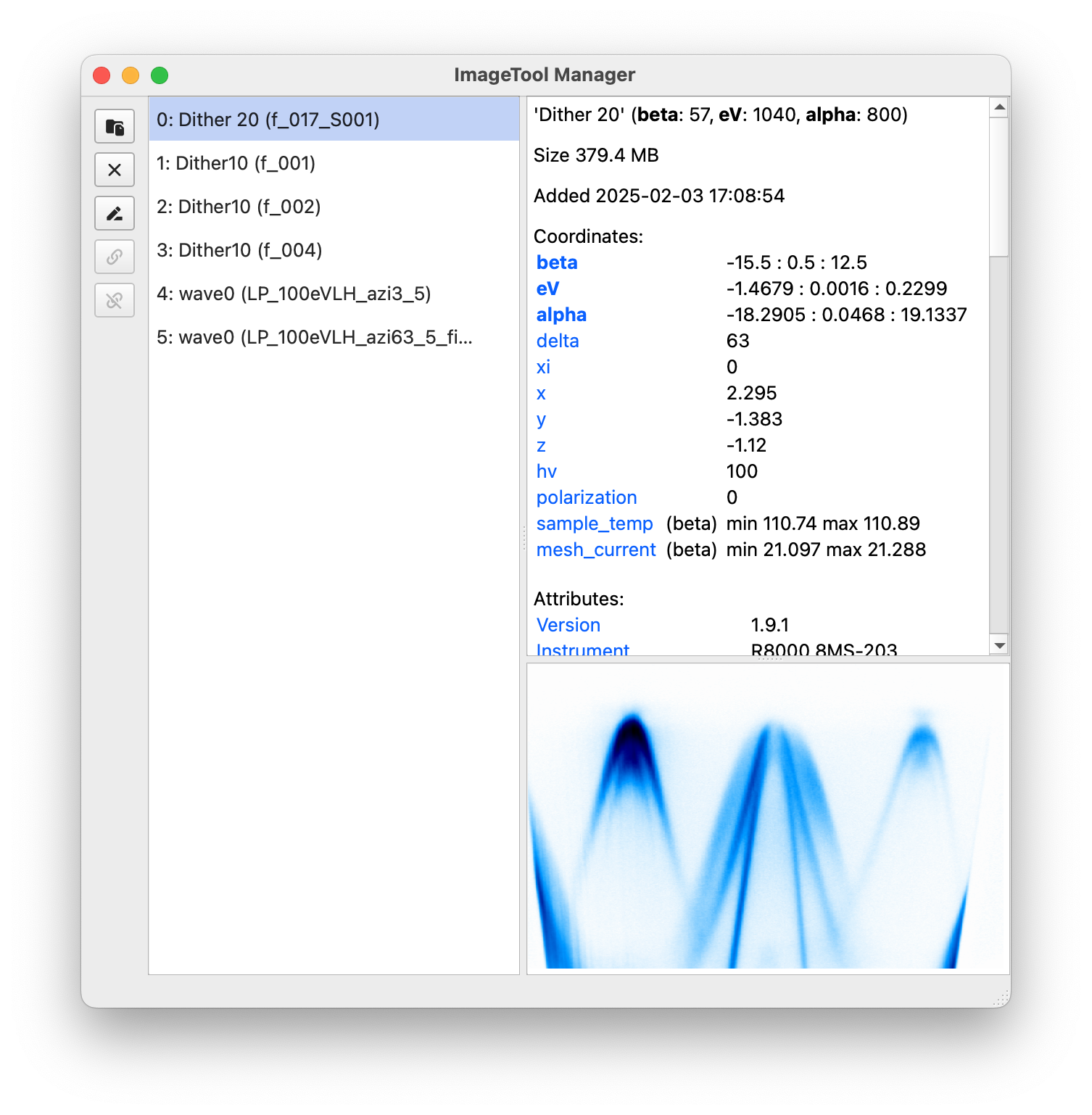
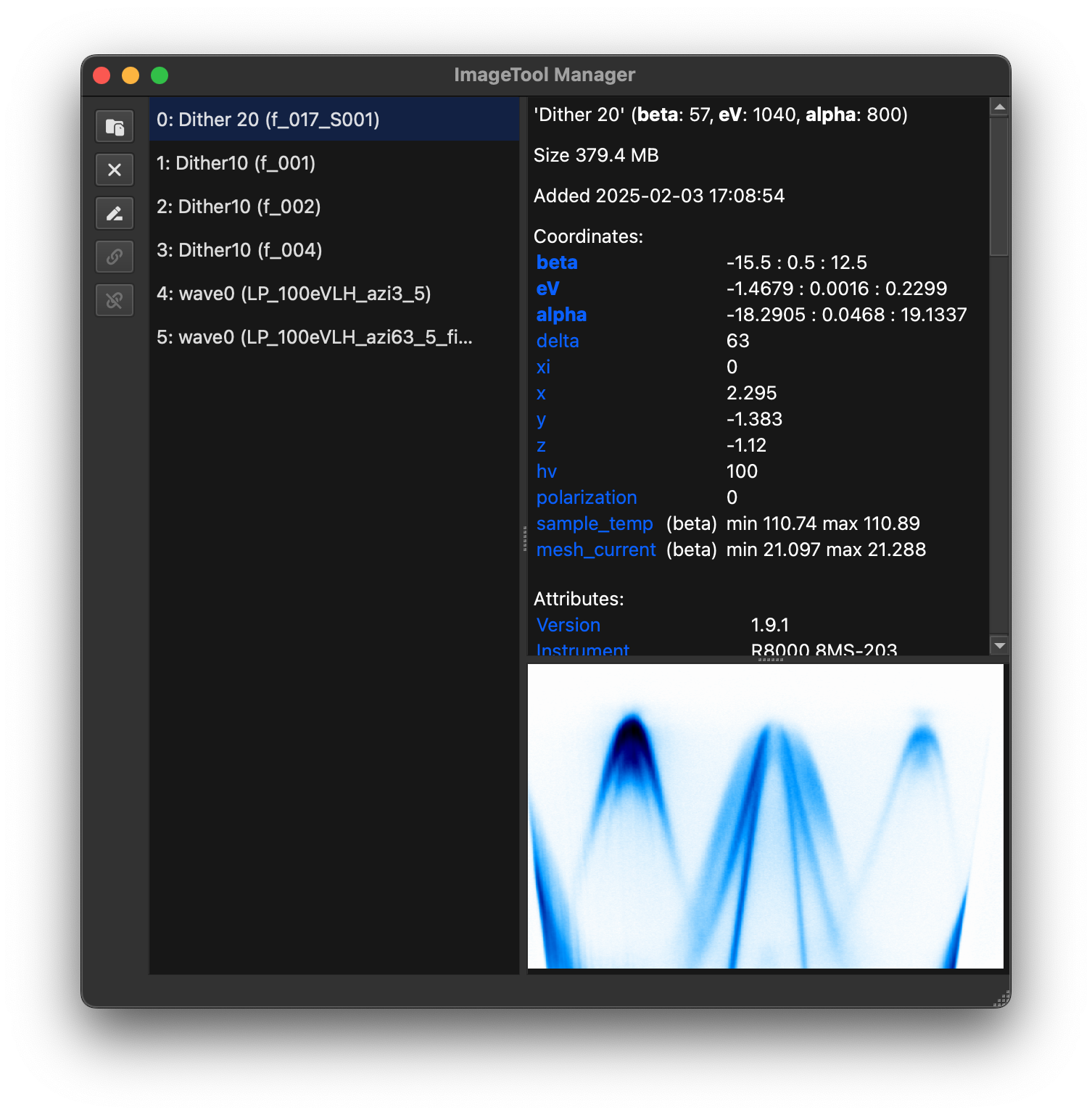
This module provides a GUI application for managing multiple ImageTool windows. The
application can be started by running the script itool-manager from the command line
in the environment where the package is installed.
Python scripts communicate with the manager using a socket connection with the default
port number 45555. The port number can be changed by setting the environment variable
ITOOL_MANAGER_PORT.
Functions
Check whether an instance of ImageToolManager is active. |
|
|
Load and display data in the ImageToolManager. |
|
Start the ImageToolManager application. |
|
Replace data in existing ImageTool windows. |
|
Create and display ImageTool windows in the ImageToolManager. |
Classes
The ImageToolManager window. |
- class erlab.interactive.imagetool.manager.ImageToolManager[source]
Bases:
QMainWindowThe ImageToolManager window.
This class implements a GUI application for managing multiple ImageTool windows.
Users do not need to create an instance of this class directly. Instead, use the command line script
itool-manageror the functionmainto start the application.- Signals:
sigLinkersChanged() – Signal emitted when the linker state is changed.
- add_widget(widget)[source]
Save a reference to an additional window widget.
This is mainly used for handling tool windows such as goldtool and dtool opened from child ImageTool windows. This way, they can stay open even when the ImageTool that opened them is archived or removed.
All additional windows are closed when the manager is closed.
Only pass widgets that are not associated with a parent widget.
- Parameters:
widget (
QWidget) – The widget to add.
- concat_selected()[source]
Concatenate the selected data using
xarray.concat().
- eventFilter(obj=None, event=None)[source]
Event filter that intercepts select all and copy shortcuts.
For some operating systems, shortcuts are often intercepted by actions in the menu bar. This filter ensures that the shortcuts work as expected when the target widget has focus.
- get_tool(index, unarchive=True)[source]
Get the ImageTool object corresponding to the given index.
- Parameters:
- Returns:
ImageTool– The ImageTool object corresponding to the index.- Return type:
- label_of_tool(index)[source]
Get the label of the ImageTool window corresponding to the given index.
- link_tools(*indices, link_colors=True)[source]
Link the ImageTool windows corresponding to the given indices.
- erlab.interactive.imagetool.manager.is_running()[source]
Check whether an instance of ImageToolManager is active.
- erlab.interactive.imagetool.manager.load_in_manager(paths, loader_name, **load_kwargs)[source]
Load and display data in the ImageToolManager.
- Parameters:
paths (
Iterable[str|PathLike]) – List of paths containing the data to be displayed in the ImageTool window.loader_name (
str) – Name of the loader to use to load the data. The loader must be registered inerlab.io.loaders.**load_kwargs – Additional keyword arguments passed onto the load method of the loader.
- erlab.interactive.imagetool.manager.main(execute=True)[source]
Start the ImageToolManager application.
Running
itool-managerfrom a shell will invoke this function.
- erlab.interactive.imagetool.manager.replace_data(index, data)[source]
Replace data in existing ImageTool windows.
- Parameters:
index (
int|Collection[int]) – Index or indices of the ImageTool windows to replace data in. Ifdatacorresponds to a single ImageTool window, for instance a single DataArray,indexis allowed to be a single integer. Ifdatacorresponds to multiple ImageTool windows, for instance a list of DataArrays,indexmust be a list of integers with the same length asdata. All indices must be valid indices of existing ImageTool windows.data (
Collection[DataArray|ndarray[tuple[int,...],dtype[TypeVar(_ScalarType_co, bound=generic, covariant=True)]]] |DataArray|ndarray[tuple[int,...],dtype[TypeVar(_ScalarType_co, bound=generic, covariant=True)]] |Dataset|DataTree) – Data to replace the existing data in the ImageTool windows. Seeitoolfor more information.
- erlab.interactive.imagetool.manager.show_in_manager(data, **kwargs)[source]
Create and display ImageTool windows in the ImageToolManager.
- Parameters:
data (
Collection[DataArray|ndarray[tuple[int,...],dtype[TypeVar(_ScalarType_co, bound=generic, covariant=True)]]] |DataArray|ndarray[tuple[int,...],dtype[TypeVar(_ScalarType_co, bound=generic, covariant=True)]] |Dataset|DataTree) – The data to be displayed in the ImageTool window. Seeitoolfor more information.link – Whether to enable linking between multiple ImageTool windows, by default
False.link_colors – Whether to link the color maps between multiple linked ImageTool windows, by default
True.**kwargs – Keyword arguments passed onto
ImageTool.